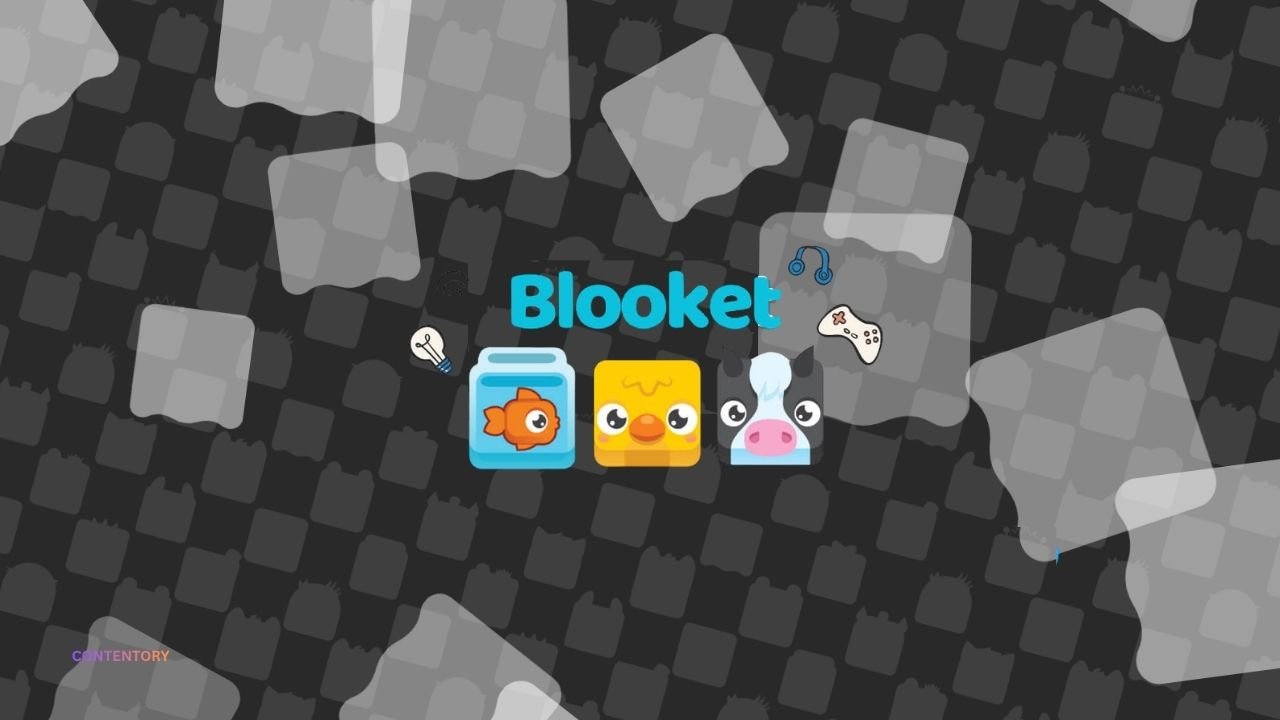
Learning becomes more engaging when students can test their knowledge through interactive games. Blooket combines quiz questions with colorful characters, competitive challenges, and different game modes to make practice more enjoyable. Students can answer questions about subjects such as mathematics, science, history, vocabulary, and general knowledge while working toward in-game goals. Teachers can use the platform to review lessons, reinforce important concepts, and make classroom activities more interactive.
If you want to play Blooket, getting started is straightforward. You can join a live classroom game with a code, complete homework assigned by a teacher, or explore compatible question sets for solo practice. The platform offers several experiences built around answering questions, collecting rewards, and solving challenges. This guide explains how Blooket works, how to join games, which modes to explore, and how students and teachers can get more value from the experience.
What Is Blooket?
Blooket is an online educational gaming platform that turns question-and-answer activities into interactive games. Teachers can select an existing question set or create one for a particular lesson. They can then choose a compatible game mode and host a live session or assign an activity for students to complete independently. The combination of academic questions and game mechanics helps make review sessions more engaging.
The platform supports different subjects, age groups, and learning objectives. Its question sets can cover classroom material, vocabulary practice, factual knowledge, and other topics. Students answer questions while participating in game experiences that may involve racing, collecting rewards, defending structures, or competing against classmates. According to the official Blooket website, teachers can also use game reports to review student performance and identify areas that need further practice.
How to Play Blooket Online
Getting started depends on whether you want to join a live session, complete homework, or practice independently. For a live game, the teacher or host first selects a question set and launches a compatible game mode. The host then shares a game ID, QR code, or joining link with participants.
To join a live session, follow these steps:
- Open play.blooket.com.
- Enter the game ID provided by your teacher or host.
- Scan the displayed QR code or use the joining link instead if the host offers either option.
- Enter an appropriate nickname or choose an available generated name.
- Select a Blook if the game offers that option.
- Wait for the host to start the game, then answer the questions.
Blooket’s official student guide explains these joining options and notes that students do not need an account to participate in live games. An account can provide additional features, including personal statistics and access to solo gameplay.
Exploring Popular Blooket Game Modes
One reason students enjoy Blooket is the variety of gameplay experiences available. The same question set can feel different when paired with another mode. Some activities emphasize speed and accuracy, while others reward planning, resource management, or strategic decisions. Availability can vary by mode and subscription level.
Here are several examples from Blooket’s official game mode guide:
- Classic: Players answer questions and compete for a place on the leaderboard.
- Gold Quest: Correct answers help players collect gold, with opportunities for unpredictable changes in their totals.
- Racing: Players answer questions to advance through a race against opponents.
- Café: Players answer questions while serving customers, managing supplies, and improving their café.
- Factory: Players unlock and upgrade Blooks while earning in-game currency through correct answers.
- Tower Defense: Players answer questions and build defenses to stop incoming waves of enemies.
- Battle Royale: Players compete in question-based showdowns, either individually or in teams.
Some modes support live games, while others are available for solo play or homework. Certain modes also require a paid subscription.
How to Play Blooket Without a Game Code
You do not always need a live game code to use Blooket. If you want to practice on your own, you can explore question sets and select a compatible solo game. This option can help you revise a lesson, prepare for a test, or become familiar with the platform before joining a classroom competition.
Start at the official Blooket website and open the Discover section. Search for a topic, subject, grade level, or skill that matches your learning goals. Open a suitable question set and choose the solo-play option when available. Select a compatible mode and begin answering questions. If you want to save personal statistics or use account-linked features, review Blooket’s account options and age requirements before signing up. The official student guide provides instructions for finding sets and starting solo games.
Blooket for Students: Learning While Playing
Students can use Blooket to review classroom material in a format that feels more interactive than a traditional worksheet. Repeated exposure to questions can help reinforce facts, vocabulary, formulas, and important concepts. Game mechanics may also encourage students to stay involved during revision sessions, particularly when they enjoy competing with classmates or trying to improve their results.
However, winning a game does not automatically mean that a student has mastered the subject. Fast answers, random rewards, and competitive mechanics can sometimes distract from the learning objective. Students should read questions carefully, understand why an answer is correct, and revisit difficult topics after a session. Using Blooket alongside notes, textbook exercises, and teacher feedback can make practice more meaningful and help learners identify knowledge gaps.
Explore OVO Game Everything You Need to Know About the Fast-Paced Platformer
Blooket for Teachers: Creating Interactive Lessons
Teachers can use Blooket to introduce a topic, review a lesson, conduct informal checks for understanding, or reinforce material before an assessment. They can select an existing question set or create questions tailored to their curriculum. Once they choose a compatible mode, they can host a live game or assign an activity for students to complete later.
The platform can also support formative assessment. Teachers can review available reports to identify questions that many students answered incorrectly and adjust their next lesson accordingly. For example, if a class struggles with fractions, the teacher can revisit the underlying concept before moving to more advanced exercises. Blooket works best when the selected game mode supports the lesson’s objective and the teacher uses results to guide further instruction.
Tips for Getting Better Results in Blooket
A few practical habits can make Blooket more useful for both learning and gameplay. First, focus on understanding the question rather than rushing to answer. Speed may matter in certain modes, but an incorrect answer can undermine the learning experience. Read each option carefully and think about why it fits the question.
Second, choose question sets that match your current level. A set that is too easy may offer little challenge, while one that is too advanced can become frustrating. Teachers can adjust the content to suit their students, and independent learners can search for different sets as their knowledge improves. Finally, review mistakes after each session. Writing down unfamiliar terms or difficult concepts turns a short game into a more useful study activity.
Is Blooket Free to Play?
Blooket offers a free starting option, so students and teachers can use core features without necessarily purchasing a subscription. Free access supports activities such as creating or discovering question sets and hosting games within the limits of the plan. This makes the platform accessible for individual practice and many classroom activities.
Blooket also offers paid Plus plans with additional features. Depending on the current subscription, these may include exclusive game modes, larger live-game capacity, enhanced reports, and extra question-set tools.
Account Safety and Responsible Gameplay
Like any online platform, Blooket should be used thoughtfully. Visit the official website rather than unfamiliar pages that promise unauthorized game codes, rewards, or account benefits. Never share your password or private account information with other players. If you join a classroom session, follow the teacher’s instructions for choosing an appropriate nickname and interacting with other participants.
Students should also follow classroom rules and respect other players. Avoid disruptive behavior that prevents classmates from learning, and do not treat game scores as a measure of someone’s overall intelligence. Teachers and parents can help younger learners understand privacy, respectful communication, and responsible screen time. A safe, supportive environment makes educational games more enjoyable and keeps attention on learning.
Conclusion
Play Blooket offers students and teachers a flexible way to combine educational questions with interactive games. Players can join live sessions using a game ID, enter through a QR code or joining link, complete assigned homework, or explore compatible solo activities. Different game modes create varied experiences, from racing and collecting rewards to managing resources and building defenses.
The greatest benefit comes when players use the platform with a clear learning goal. Choose relevant question sets, answer thoughtfully, and review mistakes instead of focusing only on winning. Teachers can strengthen the experience by selecting suitable modes and using available performance reports to plan follow-up lessons. With responsible use and regular practice, Blooket can become a helpful addition to classroom learning and independent study.
Frequently Asked Questions
How do I play Blooket for free?
Visit the official Blooket website and join a live game using the code, QR code, or link supplied by the host. You can also explore compatible solo activities and question sets. Some features require a paid plan.
Can I play Blooket without an account?
Yes. Students can join live games without creating an account. An account may provide access to additional features, such as personal statistics and solo gameplay options.
What is the Blooket game code?
A Blooket game code, also called a game ID, identifies a live session hosted by a teacher or another host. Enter the code at the official joining page to participate in that session.
Which Blooket game mode is best for beginners?
Classic is a straightforward starting point because players answer questions and compete for leaderboard positions. Racing and Gold Quest offer other accessible experiences. The best choice depends on the learning topic and the player’s preferences.
Is Blooket useful for studying?
Blooket can help learners review facts, practice recall, and identify topics that need more attention. It works best alongside deeper study methods, such as reading explanations, solving problems, and reviewing incorrect answers.
Explore More CONTENTORY