
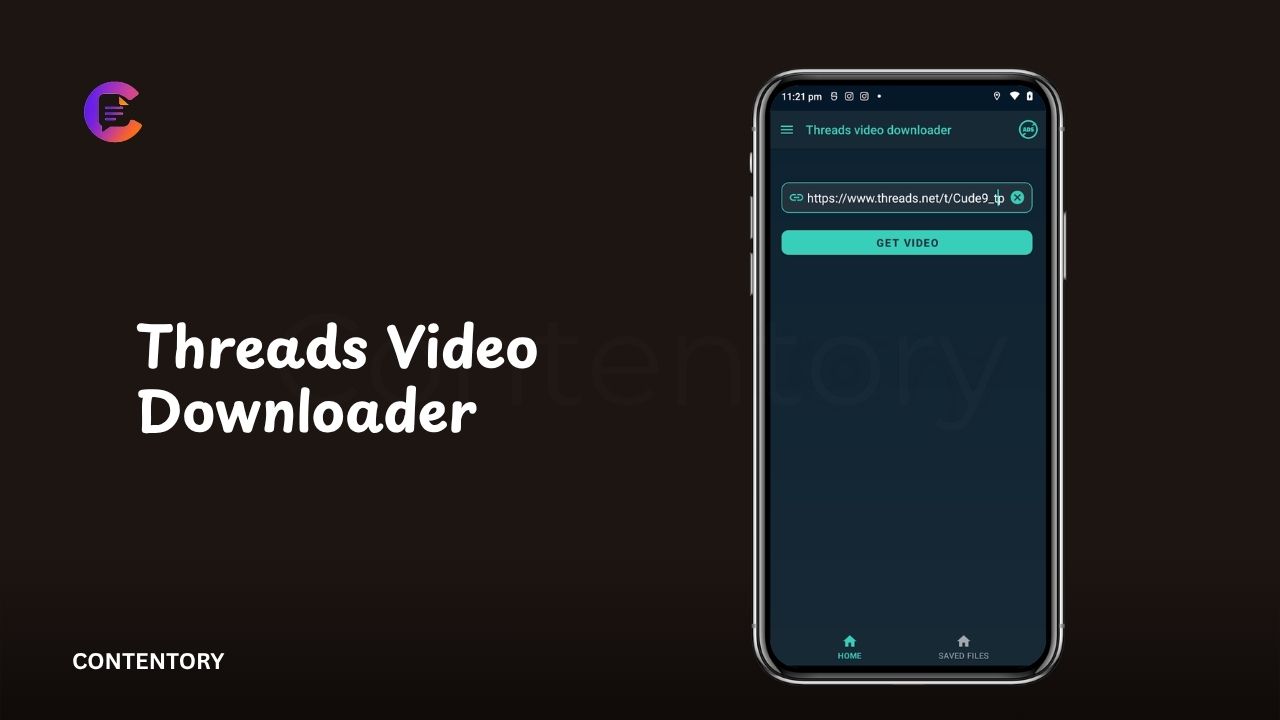
Threads has become a popular platform for sharing short videos, conversations, photos, memes, and other forms of social content. As the platform has grown, users have also become interested in saving videos they discover in public posts. This has led to the popularity of tools described as “Threads video downloaders.” These services generally aim to help users save a publicly available Threads video to a device for later viewing. The process can vary depending on the tool, device, browser, and type of Threads post.
A Threads video downloader usually works by processing the link to a public Threads post and identifying the media associated with that post. Some websites provide a simple browser-based interface where users paste a post URL and select a download option. However, users should understand that downloading a video and having permission to redistribute it are different things. A creator may own copyright in the video even when the post is publicly accessible. Saving content for personal use does not automatically grant permission to repost, sell, or distribute it elsewhere.
What Is a Threads Video Downloader?
A Threads video downloader is generally a third-party website or software tool designed to save videos posted on Threads. Most browser-based tools follow a straightforward concept. A user copies the link to a public Threads post, pastes it into the downloader, and allows the service to process the URL. If the video can be accessed, the tool may provide a downloadable media file. The exact process depends on the individual service.
These tools are not the same as an official Threads feature. Third-party downloaders operate separately from the Threads platform and may change their functionality when the platform changes its technical systems. Some tools may stop working without warning. Others may display advertisements or request unnecessary permissions. Users should therefore avoid assuming that every website using the phrase “Threads video downloader” is affiliated with Meta or Threads.
How Does a Threads Video Downloader Work?
Most online downloaders rely on the URL of a Threads post. The user first opens the relevant public post and copies its web address. The downloader then attempts to identify the video associated with that URL. If the media is accessible to the service, it may generate a downloadable file or provide a link to the media. The user can then save that file using the browser’s normal download function.
The process can differ when a post contains multiple media items. Some tools may identify only the primary video, while others may not support every type of Threads post. Private posts can also create additional restrictions because their content is not publicly accessible. A downloader should not be treated as a way to bypass account privacy settings or access content that the creator has intentionally restricted.
How to Copy a Threads Video Link
The first step for many downloader tools is obtaining the correct Threads post URL. On the Threads website or mobile application, users can generally open the post they want to reference and use the available sharing options to copy its link. The exact placement of these controls can change as Threads updates its interface.
Once the link has been copied, users can paste it into a browser-based downloader. It is worth checking the address before submitting it. A genuine Threads post URL should correspond to the post the user intends to save. If a website asks for a Threads password, account credentials, or unrelated software before processing a public link, users should reconsider using that service.
How to Save a Threads Video on a Phone
On a smartphone, the basic workflow is similar to using a desktop browser. The user opens Threads, locates a public video, copies the post link, and then opens a compatible browser-based downloader. After pasting the URL, the service may provide a download option if it can process the post.
The final step depends on the phone’s operating system and browser. Some devices place downloaded files in a Downloads folder, while others may require the user to choose where the file should be stored. Users should also remember that saving a video locally does not change its ownership. If the video belongs to another creator, credit and permission may still be necessary before sharing it publicly.
How to Save Threads Videos on a Computer
Desktop users can follow much the same process. After opening Threads in a browser, they can locate a public video post and copy its URL. The link can then be pasted into a compatible downloader. If the service successfully recognizes the media, it may offer a downloadable video file.
Computers can make file management easier because downloaded media can be moved into organized folders. Users can rename files for personal reference and create backups when appropriate. However, they should avoid downloading unknown executable files simply because a website recommends additional software. A video download should normally result in a recognizable media file rather than an unfamiliar application.
Can You Download Private Threads Videos?
A standard downloader should not be used to circumvent privacy controls. If a Threads account or post is private, the content may only be intended for approved followers or a restricted audience. Attempting to obtain that content through an external service can raise privacy and security concerns.
Public availability is also not the same as unlimited permission. A public Threads video may be visible to anyone, but that does not necessarily mean everyone has permission to reproduce it. Users who want to reuse someone else’s video for a commercial project, another social account, or a publication should consider obtaining permission from the creator first.
Are Threads Video Downloaders Safe?
Safety depends on the individual website or application. Some downloaders may be relatively simple web tools, while others can contain aggressive advertising, misleading buttons, redirects, or requests for unnecessary permissions. A download page that repeatedly opens unrelated tabs should be treated cautiously.
Users should never provide their Threads password to an unfamiliar downloader. They should also be careful with browser notifications, extensions, APK files, executable programs, and requests for personal information. A service that only needs a public post URL should not normally require access to a user’s Threads account. Keeping the process simple can reduce unnecessary security exposure.
Why Some Threads Video Downloaders Stop Working
Third-party downloaders depend on the way a social platform makes media available. When Threads changes its website structure, media delivery system, URLs, or access controls, external tools may need to adapt. A downloader that worked yesterday may therefore fail after a platform update.
Another reason can be the specific post itself. A video might have been deleted, made unavailable, or restricted by the account owner. Network problems can also prevent a downloader from retrieving media correctly. Users should avoid assuming that every failed download means the tool is broken. The issue may originate from the post, the platform, or the user’s connection.
Threads Video Quality and File Formats
Download quality varies between tools and the source video. Some services may preserve the available video resolution, while others may compress the media during processing. The original upload quality also limits what a downloader can provide. A low-resolution source cannot normally be turned into a genuinely high-resolution original simply by downloading it through another service.
Common video files use formats such as MP4, which is widely supported by smartphones, computers, and social-media applications. Users should be cautious if a supposed video downloader offers an unexpected file type, especially an executable program. A normal video download should not require the user to install unrelated software merely to watch the file.
Copyright and Responsible Video Use
One of the most important considerations is copyright. A Threads video can be protected by copyright even when it is publicly visible. The creator may own rights in the footage, editing, music, graphics, or other original elements. Downloading a copy for personal reference is different from uploading the same video to another platform or using it in a commercial project.
Users should therefore think about how they intend to use a downloaded video. Reposting another creator’s content without permission can create copyright or platform-policy problems. Giving credit can be helpful, but credit alone does not always provide legal permission. When in doubt, contacting the creator and requesting permission is a clearer approach.
Does Downloading a Threads Video Notify the Creator?
A third-party downloader generally processes a link outside the normal Threads sharing interface. Whether the original creator receives a notification depends on the platform’s current features and the way the content is accessed. Users should not rely on a downloader as a method for secretly obtaining or redistributing private material.
Platform features can also change over time. For that reason, claims that a particular download method will always remain completely anonymous should be treated cautiously. Users should focus on respecting creators and privacy rather than relying on assumptions about whether an action generates a notification.
Alternatives to Downloading Threads Videos
Downloading is not always necessary. If a user simply wants to find a video again, saving or bookmarking a post within the platform may be more appropriate when the feature is available. Sharing the original Threads post also preserves the connection to the creator and avoids creating a separate copy of the media.
For content that a user wants to publish elsewhere, requesting permission from the creator can be the better approach. Creators may provide an original file or explain how they want their work credited. This can also preserve the video’s quality and reduce uncertainty around copyright and attribution.
Common Problems With Threads Video Downloaders
A downloader may fail because the URL is incorrect, the post is unavailable, the account is private, or the external service cannot process the particular media format. Some services also impose limits on how many downloads users can perform within a certain period. Browser settings and network problems can create additional difficulties.
Users should avoid repeatedly submitting personal information when a tool fails. If a site requests a password, payment details, browser extensions, or unrelated applications after a failed download, it may be better to leave the site. A simple public video link should not require unnecessary account access.
Conclusion
A Threads video downloader is generally a third-party tool that attempts to save videos from publicly accessible Threads posts. The basic process usually involves copying a post link, submitting it to a compatible service, and saving the resulting media file. The experience can vary considerably because third-party tools depend on Threads’ current technical structure and the accessibility of individual posts.
The most important part of using these tools is responsible usage. Users should avoid bypassing privacy controls, protect their account credentials, and be cautious about unfamiliar websites and downloads. They should also remember that public content can still belong to its creator. For personal reference, saving content may be useful, while reposting or commercial use can require permission. Understanding these differences makes the process safer and more respectful of the people who create content on Threads.
Frequently Asked Questions
What is a Threads video downloader?
It is a third-party tool designed to help users save videos from publicly accessible Threads posts.
How do I download a Threads video?
Typically, you copy the link to a public Threads post, paste it into a compatible downloader, and follow the site’s download instructions.
Can I download a video from a private Threads account?
You should not use third-party tools to bypass privacy restrictions or access content that is not publicly available.
Are Threads video downloaders official?
Third-party downloader websites are generally separate from Threads. Users should not assume that a site is operated or endorsed by Meta simply because it mentions Threads.
Is downloading a Threads video legal?
The legal implications depend on the content, intended use, copyright rules, and jurisdiction. Downloading does not automatically give someone permission to redistribute another creator’s work.
Get More Update CONTENTORY